


Installation, service & maintenance

From installation and maintenance on site to clarity for your customer

Bring installation and handover checks, maintenance inspections and follow-up work together in Checklab. Technicians record their work and findings. The office works with the same information. Your customer sees what is complete and what needs attention.

  • Record findings and photos at the asset
  • A basis for quotes and clear follow-up
  • Records from handover through recurring maintenance
Maintenance technician records a window frame on a tablet at a construction site, viewed over the shoulder
Checklab

Maintenance · 2026-10

Property management · 2 locations

48

Assets

42

Inspected

6

Findings

Sliding door · faulty driveFollow up

Rejection details

Damaged drive belt

OBJ-002 · room 1.02

Finding

The sliding door stops halfway and does not close fully. The drive belt is visibly worn. Have the drive assessed for repair or replacement.

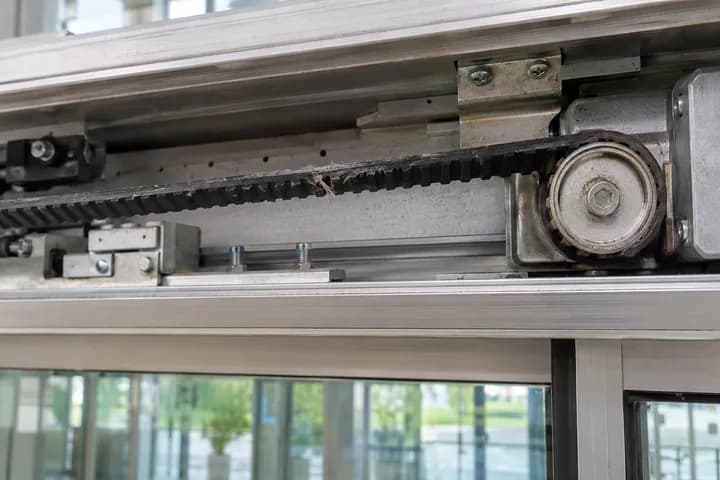
Damaged drive belt in the exposed drive mechanism above a glass sliding door.

1 photo added

J. Doe · technician

12 Oct 2026 · 09:42

Zonwering-Nederland logo

Zonwering-Nederland uses inspection data from Checklab to prepare quotes in the office.

Read the customer story
One connected process

Information from the field keeps work moving in the office

A photo during installation, a handover issue or a fault during maintenance: keep the information with the right customer, location and asset. Build a record from the first check through follow-up and later maintenance rounds.

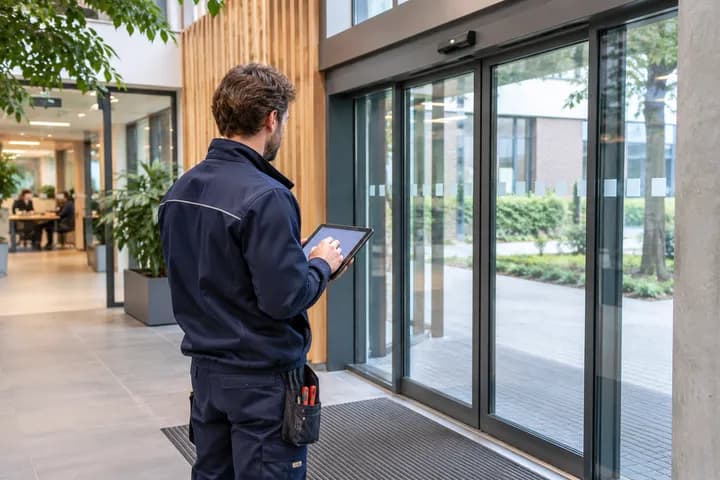
  1. Technician registers a sliding door on a tablet inside a building.
    01

    Projects & assets

    Map your customers, locations and assets.

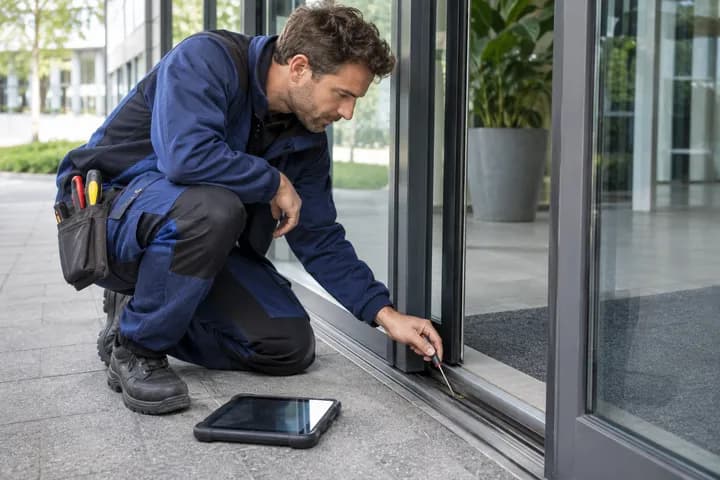
  2. Technician inspects the guide rail of a glass sliding door.
    02

    Inspections & issues

    Inspect assets, record complaints and faults, and assign follow-up.

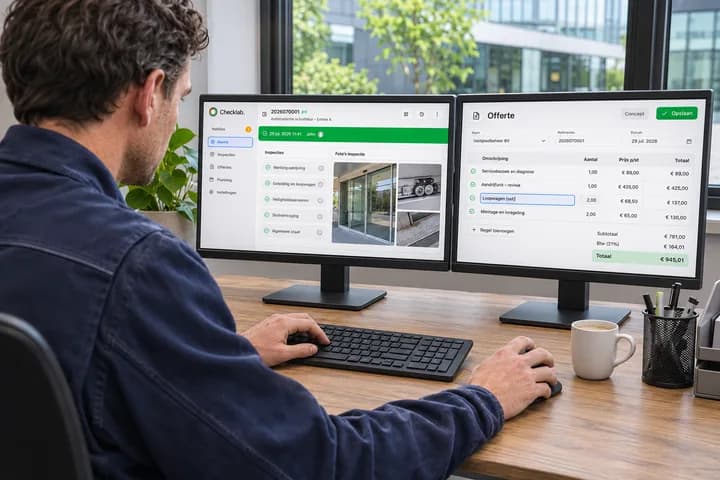
  3. Office employee edits a quote on the right screen while reviewing Checklab data and inspection photos on the left screen.
    03

    Quotes & follow-up work

    Use findings for repairs and quotes.

  4. Maintenance manager reviews maintenance results with a customer.
    04

    Dashboards & customer insight

    Make maintenance status visible.

01 · Projects & asset registration

Even a large project starts with a clear structure

One customer, several buildings and dozens or hundreds of assets. Record that structure in Checklab so your team knows where they are working and what they are inspecting. Build a clear record for each asset.

  • Keep the customer, project, location and asset connected.
  • Identify assets with a recognisable code or scan.
  • Find records, photos and previous findings.
Checklab

Project overview

Property management · 2 locations

Maintenance · 2026-10Active

North building · Floor 1

Window frame · room 1.01OBJ-001
Sliding door · room 1.02OBJ-002
Door · entranceOBJ-003

South building · Floor 2

Records and history for each asset
02 · Inspections & issues

Record what you find and arrange follow-up

From installation checks to customer complaints: record inspections, photos and findings against the right asset. Make clear who handles open issues and keep the resolution in the same record.

  • Use checklists for installation, handover and maintenance.
  • Record measurements, photos, complaints and faults.
  • Assign an owner and track resolution.
Technician with a tablet inspects an external installation from an elevated work platform, viewed from behind
Checklab

Maintenance inspection

OBJ-002 · Sliding door · room 1.02

Condition and operation

Mounting and guidesPassed
Drive operationRepair needed
Photos of the finding2

Sliding door does not close fully

In progress

Owner: service team

03 · Quotes & follow-up work

From an identified defect to a well-supported quote

A quote starts with knowing what needs to be done. Use recorded findings, asset details and photos as the basis for repairs or replacement. A project export helps the office prepare a quote without having to ask for the same information again.

  • Bring together assets and findings that need follow-up work.
  • Include the location, explanation and photos in preparation.
  • Use project data and exports to prepare a suitable quote.
More about quote preparation
Checklab

Follow-up work overview

Maintenance · 2026-10

Based on inspection findings

Repairs and replacement

Qty
01

Replace drive

North building · rooms 1.02 and 1.04

2
02

Adjust guides

South building · floor 2

3
03

Repair seal

North building · room 1.01

1
Asset details, explanation and photos

A basis for the quote

Hand project information over to the office

04 · Dashboards & customer insight

Show what is done. And what needs attention

Turn individual maintenance records into a useful overview. Review progress and asset condition by customer or location. Give customers insight into findings and required follow-up work to support maintenance decisions and budget discussions.

  • An overview of inspected assets and open findings.
  • Maintenance history and current status by customer and location.
  • Evidence to support repairs, replacements and long-term maintenance.
Checklab

Maintenance overview

Property management · 2 locations

48

Assets

42

Inspected

6

Findings

Inspection progress

42 / 48
MonSat

Insight for the customer

Current asset condition

Completed inspections and findings

Required repairs and follow-up work

Maintenance in practice

How Zonwering-Nederland connects maintenance and customer insight

Zonwering-Nederland logo
“Thanks to Checklab, we automate the complete administrative process around the maintenance we perform.”

Zonwering-Nederland records inspections and rejected items on site with Checklab. The office uses that information to prepare quotes.

Customers gain insight into the condition of their sun shading, including a basis for long-term maintenance budgeting.

Read the customer story
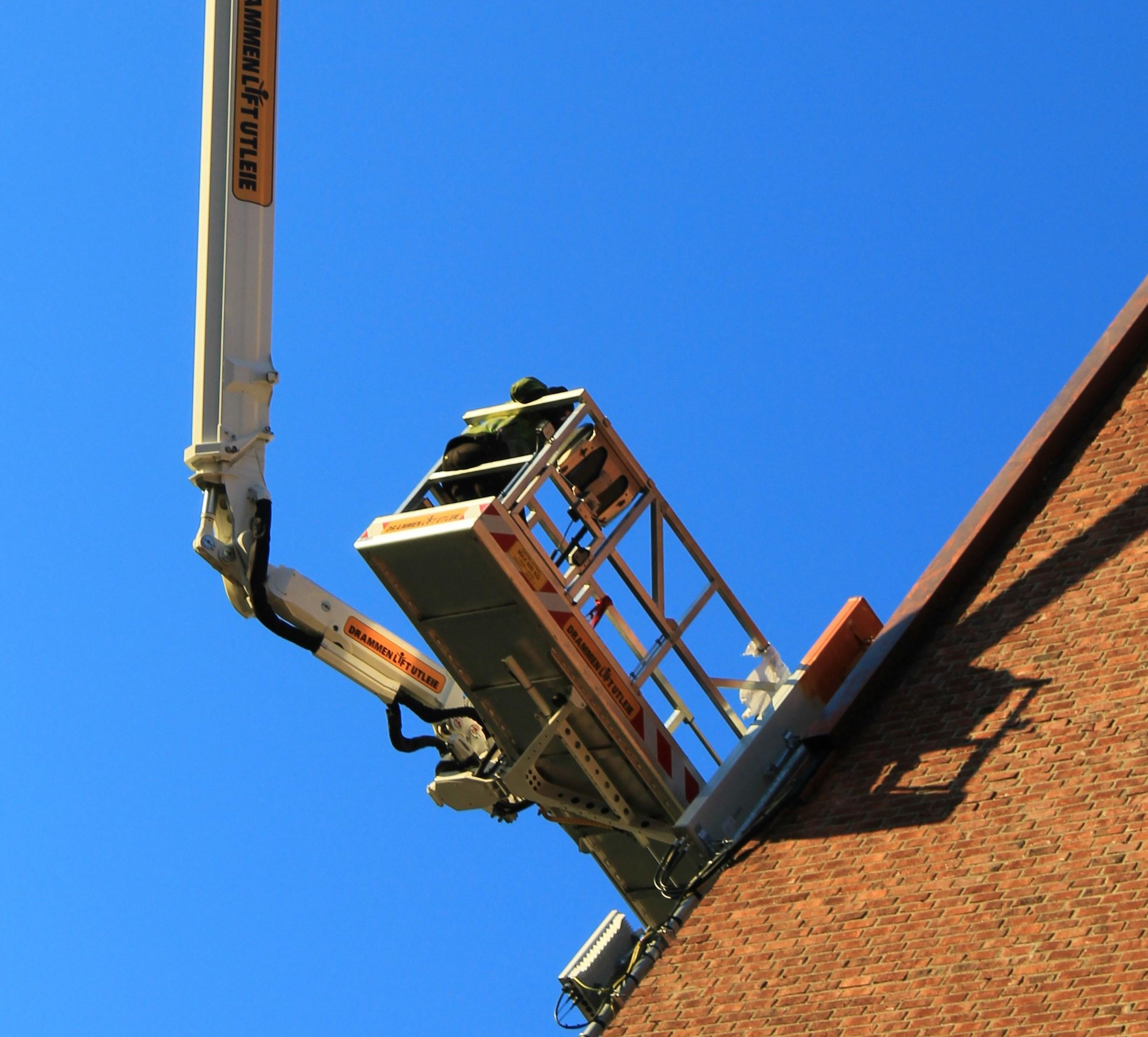
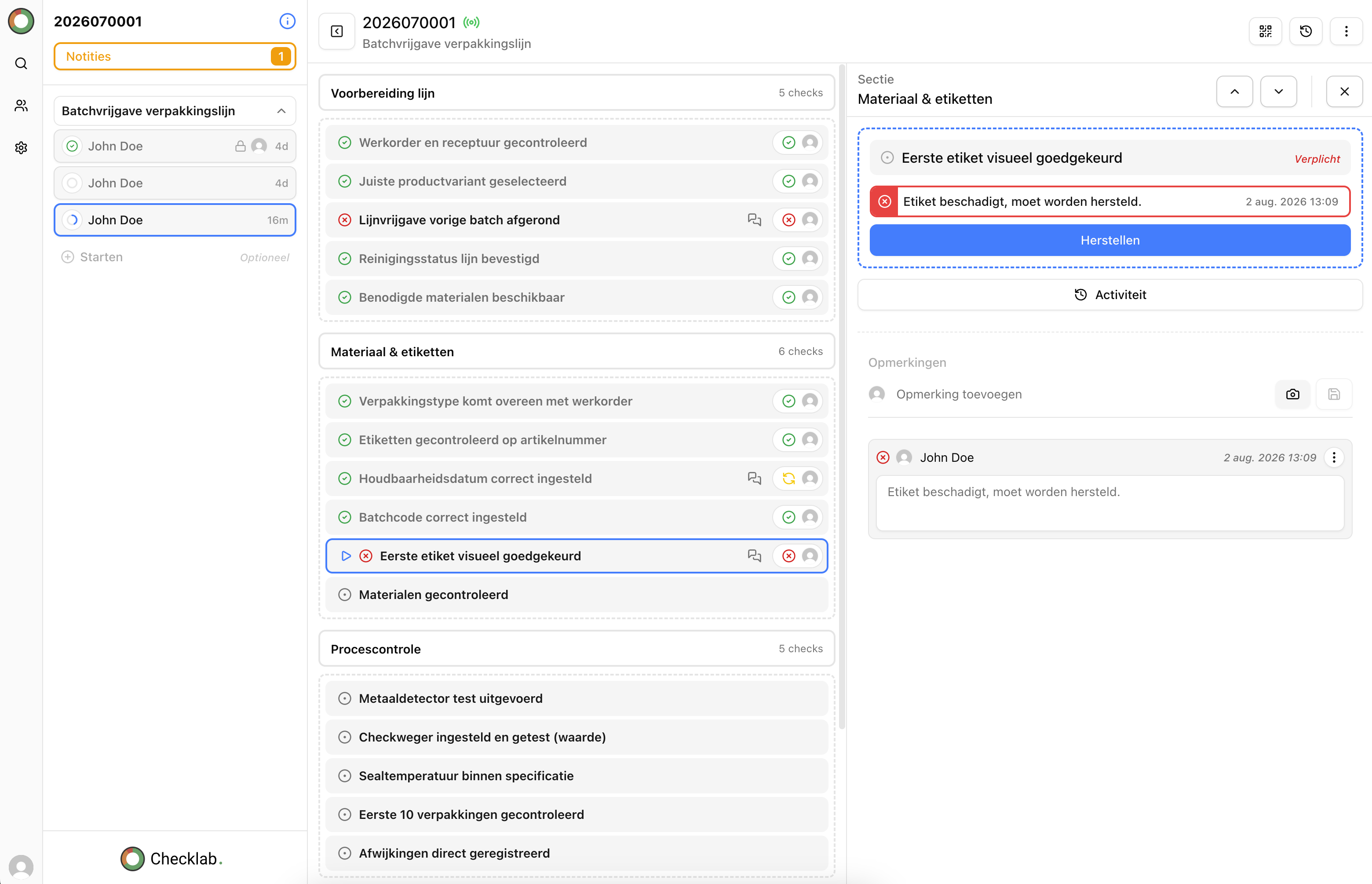
Aerial lift beside a building during maintenance
Frequently asked questions

Checks that fit the way you work

Try it free for 6 months

Up and running within 30 days!

See how Checklab brings digital checklists, inspections, non-conformities and reports together in one QMS platform for everyday work.

Checklab application for digital inspections and quality records