Actions without an owner
Everyone sees the problem, but nobody knows who should take the next step.
Record quality issues as they occur, investigate their cause and manage corrective and preventive actions. Checklab brings reporting, follow-up, verification and evidence together in one controlled workflow.
No scattered spreadsheets. No unclear follow-up. Full control over every non-conformity.
Sound familiar?
The real problem begins when follow-up stalls, ownership is unclear or the same quality issue returns later.
Everyone sees the problem, but nobody knows who should take the next step.
A task is checked off, but nobody has verified whether the solution works.
Decisions, evidence and reasons are spread across email, Excel and local files.
Non-conformity management software
Match the process to the level of risk. Require root cause analysis, approval or verification only when the situation calls for it.
Record what happened, where and when.
Assess the impact and record the root cause.
Assign corrective and preventive tasks.
Request independent approval when needed.
Verify effectiveness and close with confidence.
CAPA stands for corrective and preventive action. Checklab keeps the process clear with non-conformities and corrective actions, sometimes also called NC/CAPA management.
Control from the first report
Record the source, owner, priority, impact and target date. Link a non-conformity directly to an inspection or check so its origin remains traceable.
Record the root cause and immediate containment measure when the situation requires it. This shows why the issue occurred and what was done to limit the risk.
From plan to execution
Link one or more corrective actions to a non-conformity. Split the work into corrective tasks for today and preventive tasks for tomorrow, each with an owner, deadline, status and evidence.
Corrective action · CAPA-2026-0087
Corrective
Preventive
Approval, verification and audit trail
Choose whether approval and verification are required for each non-conformity or corrective action. Record who reviewed it, what was decided and whether the measure was effective.
Record history
Non-conformity reported by operator
Root cause analysis recorded
Corrective action linked
Task completed with evidence
Verification passed
Manufacturing example
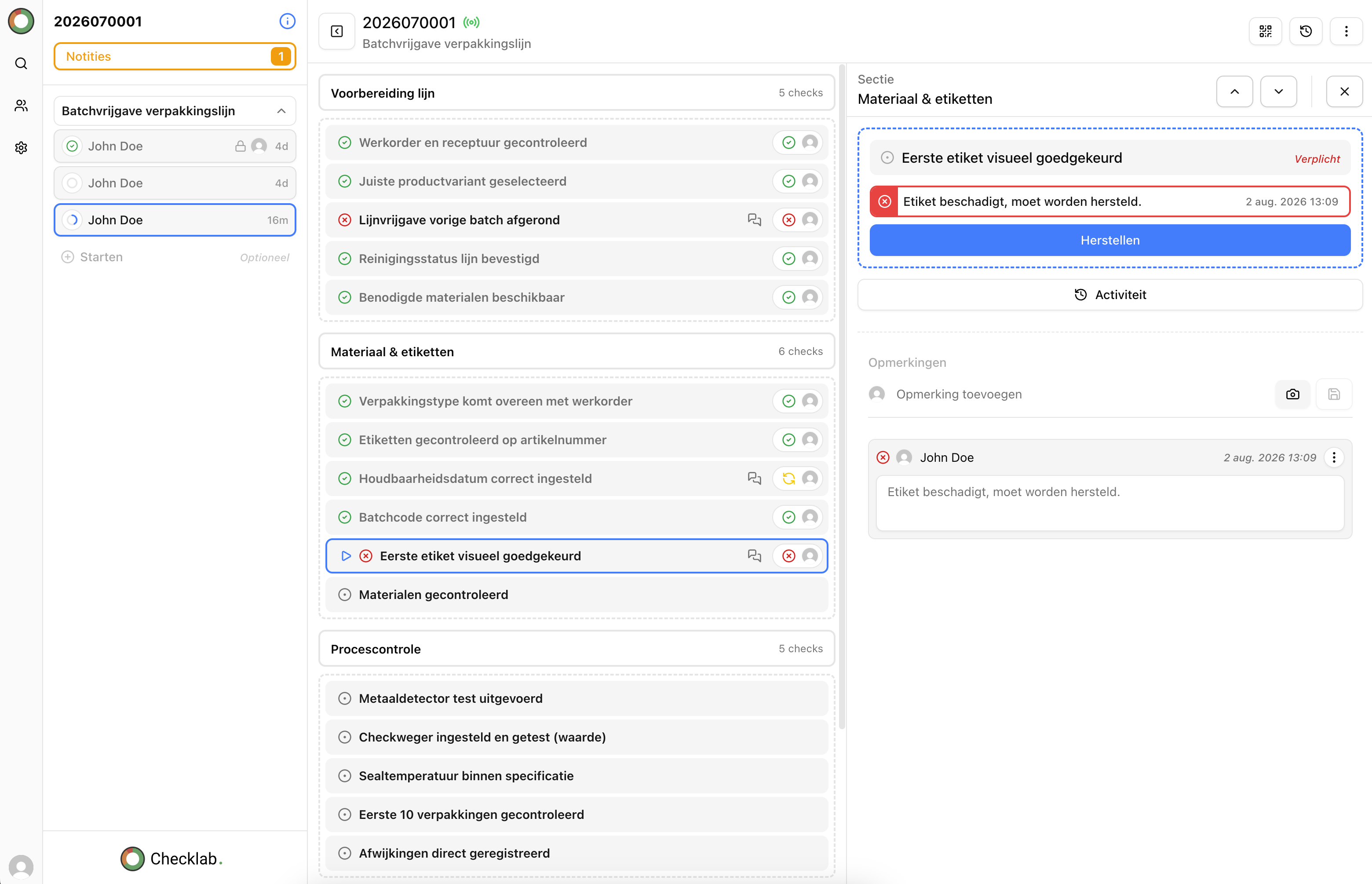
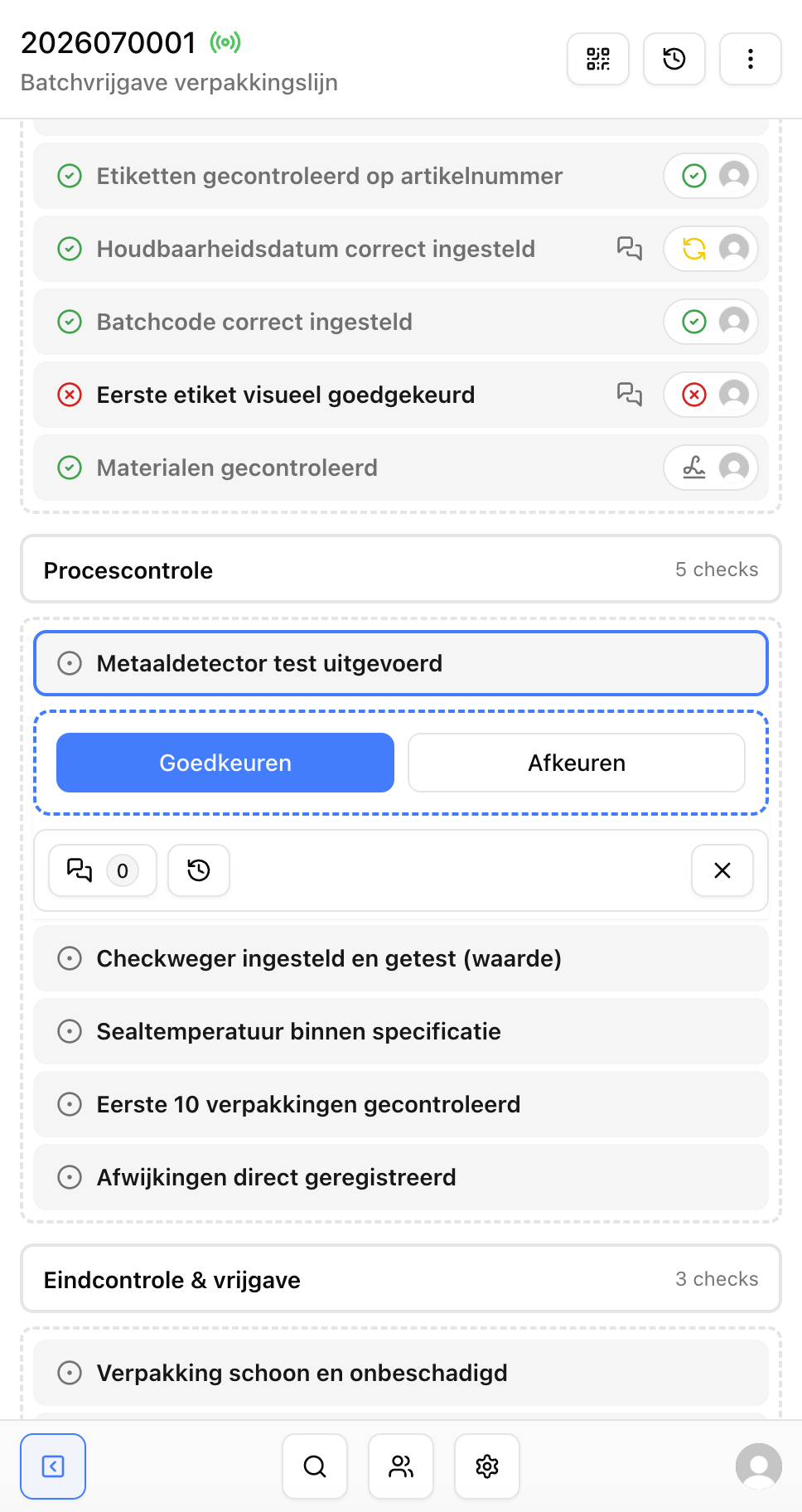
During a line inspection, an operator finds that a label is not legible. The non-conformity is recorded directly from the inspection. The team leader sets the priority, assigns an owner and starts the investigation.
The cause is a worn printhead. The batch is blocked and the printhead replaced. A linked corrective action adds preventive maintenance and an updated work instruction.
After completion, a colleague checks whether legibility remains at the required level in follow-up inspections. The record is closed only after successful verification.
Do not only record that something went wrong. Prove that it was resolved structurally.
The result
Everyone can see who is responsible and what happens next.
Open actions, deadlines and statuses are visible in one place.
Root causes and preventive measures have a defined place.
History, decisions and evidence stay together.